Ksama Arora
Wrangle Data with Python in Azure ML - Lab 2
Step 1: Select workspace and launch Azure ML Studio
Step 2: Go to notebooks and create a notebook and you can see a pre-deployed compute running. When prompted, authenticate to the compute.
Step 3: Load a Dataframe
import pandas as pd
my_dataframe = pd.read_csv("https://raw.githubusercontent.com/pluralsight-cloud/DP-100-Designing-and-Implementing-a-Data-Science-Solution-on-Azure/main/MedicalClaimSummary.csv")
my_dataframe.head(1000)
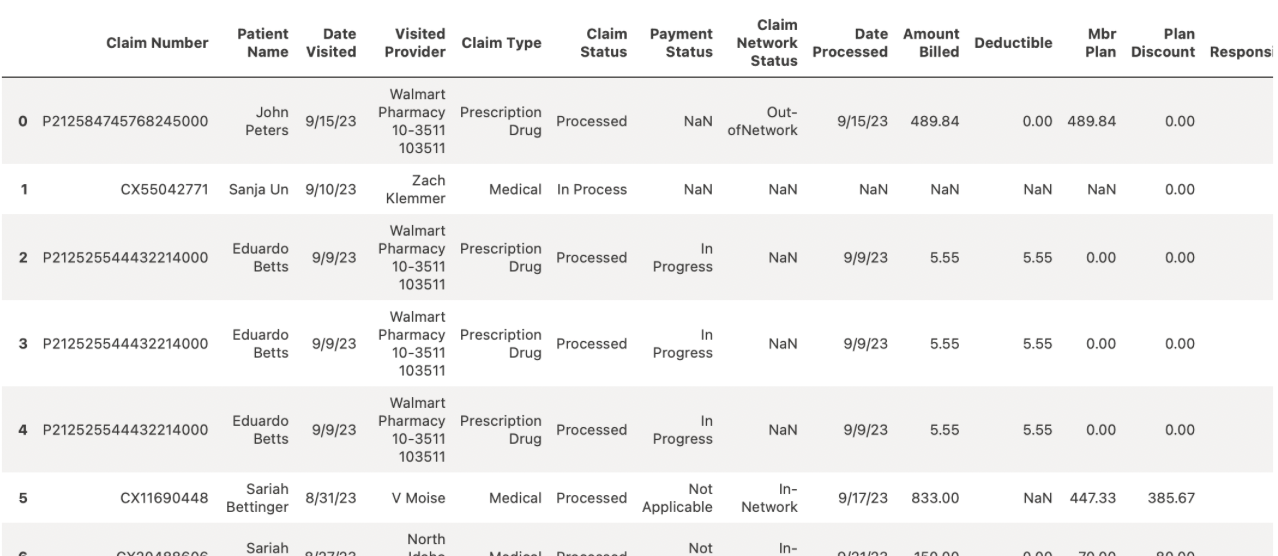
Step 4: Wrangle - Replace Missing Strings (replace NaN values)
my_dataframe.fillna(value={"Payment Status": "Unkown"}, inplace=True)
my_dataframe.fillna(value={"Claim Network Status": "Unkown"}, inplace=True)
my_dataframe.head(1000)
Step 5: Wrangle - Delete Rows with any empty columns
my_dataframe.dropna(inplace=True)
my_dataframe.head(1000)
Step 6: Wrangle - Remove Duplicate Rows
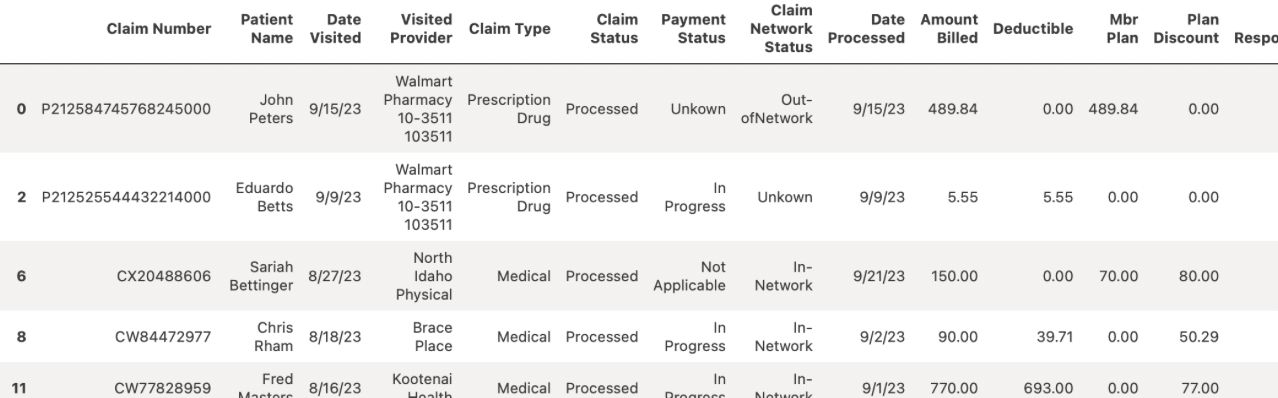
my_dataframe.drop_duplicates(inplace=True)
my_dataframe.sort_index(inplace=True)
my_dataframe.head(1000)
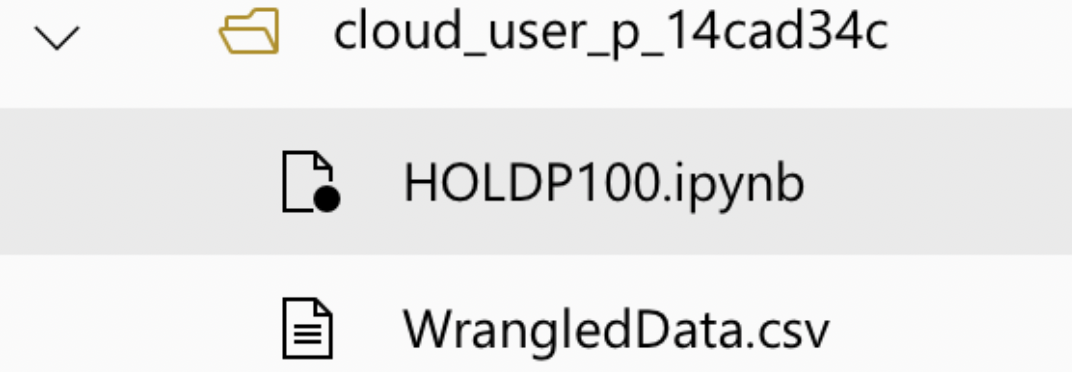
Step 7: Save the transformed data (Refresh the file tree and you will see the new csv file)
my_dataframe.to_csv("WrangledData.csv")