Ksama Arora
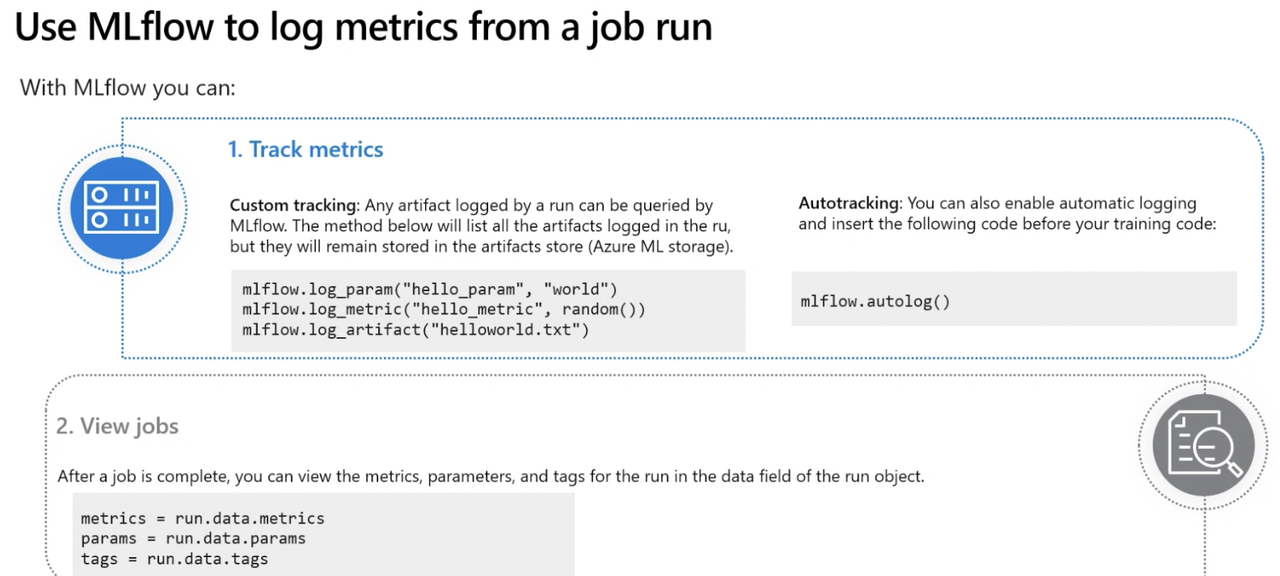
Enable autologging
- Automatically logs parameters, metrics, and model artifacts without anyone needing to specify what needs to be logged.
Supported by • Scikit-learn • TensorFlow and Keras • XGBoost • Light GBM • Spark • Fastai • Pytorch
- To enable autologging (feature that logs all parameters, metrics and artfacts, without needing to specifically set up those logs)
import mlflow

mlflow.autolog()
Log Metrics with Mlflow i.e. Use logging functions to track custom metrics using mlflow
- Can decide whatever custom metric u want to log with MLflow
IMP NOTE:
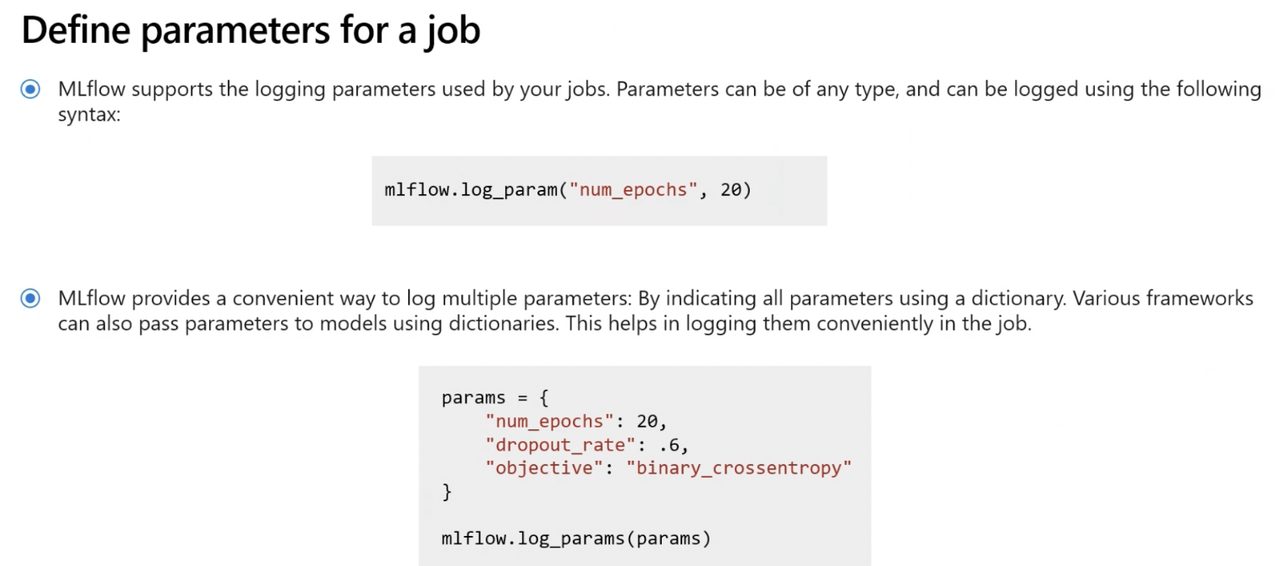
- mlflow.log_param(my_custom_param): Log single key-value parameter. Used to log parameters such as hyper parameters. Use this function for an input parameter you want to log.
- mlflow.log_metric(my_custom_metric): Log single key-value metric. Value must be a number. Used to log metrics like accuracy. Use this function for any output you want to store with the run.
- mlflow.log_artifact(my_custom_artifact): Log a file. Use this function for any plot you want to log, save as image file first.
- Sample code to add Mlflow to an existing training script:
import mlflow

reg_rate = 0.1
mlflow.log_param("Regularization rate", reg_rate)
- Finally submit the job