Ksama Arora
(II) DEPLOY A CUSTOM MODEL TO A BATCH ENDPOINT WITHOUT USING MLflow MODEL FORMAT
To deploy model, you must create
- Scoring script
- Environment
(A) Create scoring script:
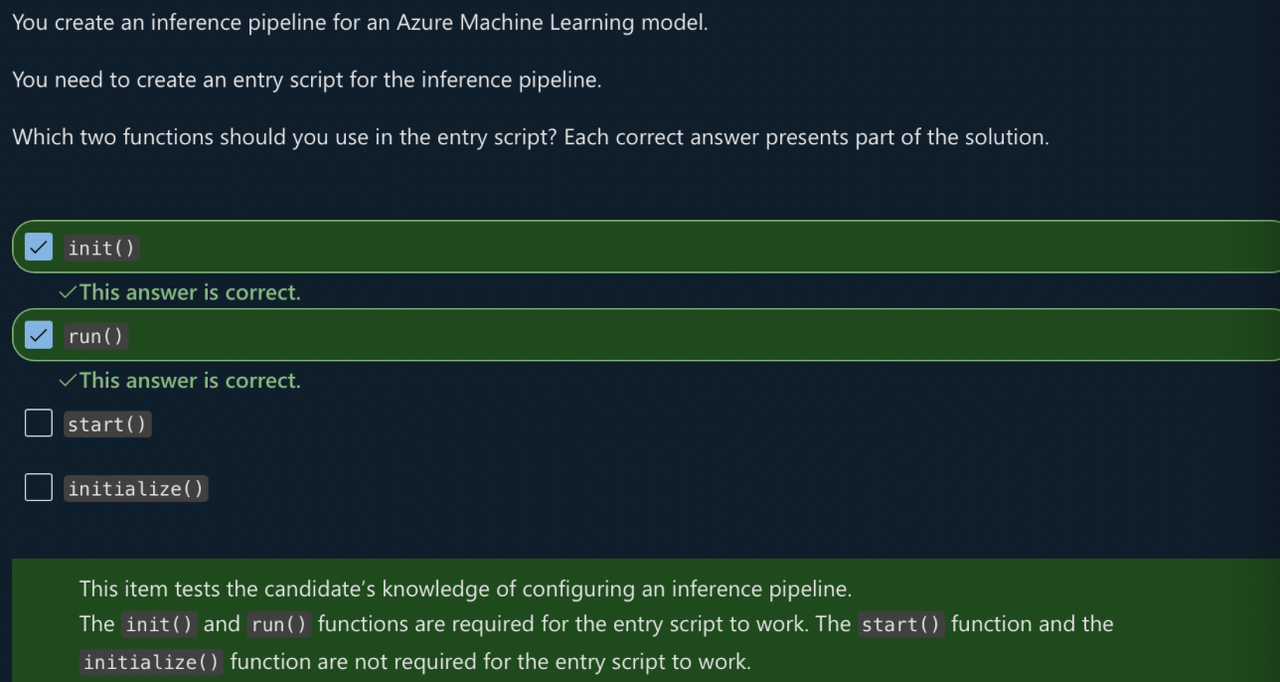
Scoring script must include two functions:
- init(): Called once at beginning of process, so use for any costly or common preparation like loading the model
- run(): Called for each mini batch to perform the scoring. The run() method should return a pandas DataFrame or array/list
import os
import mlflow
import pandas as pd

def init():
    global model # global variable used to make any assets available that are needed to score the new data, like the loaded model.

    # get the path to the registered model file and load it
    model_path = os.path.join(os.environ["AZUREML_MODEL_DIR"], "model") # AZUREML_MODEL_DIR is an environment variable that you can use to locate the files associated with the model.
    model = mlflow.pyfunc.load(model_path)


def run(mini_batch): # size of the mini_batch is defined in the deployment configuration. If the files in the mini batch are too large to be processed, you need to split the files into smaller files.
    print(f"run method start: {__file__}, run({len(mini_batch)} files)")
    resultList = []

    for file_path in mini_batch:
        data = pd.read_csv(file_path)
        pred = model.predict(data)

        df = pd.DataFrame(pred, columns=["predictions"]) # By default, the predictions will be written to one single file.
        df["file"] = os.path.basename(file_path)
        resultList.extend(df.values)

    return resultList
(B) Create an environment
Can create using docker image with conda dependencies or with Dockerfile
- Conda yml file code:
name: basic-env-cpu
channels:
  - conda-forge
dependencies:
  - python=3.8
  - pandas
  - pip
  - pip:
      - azureml-core
      - mlflow
- Create environment with following code
from azure.ai.ml.entities import Environment

env = Environment(
    image="mcr.microsoft.com/azureml/openmpi3.1.2-ubuntu18.04",
    conda_file="./src/conda-env.yml",
    name="deployment-environment",
    description="Environment created from a Docker image plus Conda environment.",
)
ml_client.environments.create_or_update(env)
(C) Create the deployment using BatchDeployment class
from azure.ai.ml.entities import BatchDeployment, BatchRetrySettings
from azure.ai.ml.constants import BatchDeploymentOutputAction

deployment = BatchDeployment(
    name="forecast-mlflow",
    description="A sales forecaster",
    endpoint_name=endpoint.name,
    model=model,
    compute="aml-cluster",
    code_path="./code",
    scoring_script="score.py",
    environment=env,
    instance_count=2,
    max_concurrency_per_instance=2,
    mini_batch_size=2,
    output_action=BatchDeploymentOutputAction.APPEND_ROW,
    output_file_name="predictions.csv",
    retry_settings=BatchRetrySettings(max_retries=3, timeout=300),
    logging_level="info",
)
ml_client.batch_deployments.begin_create_or_update(deployment)